
CueMIDI
Browse. Hear. Drop.
Browse your MIDI library. Hear it through your DAW instrument. Drop it into your project.
WHAT CUEMIDI DOES
Your MIDI library, inside your DAW workflow.
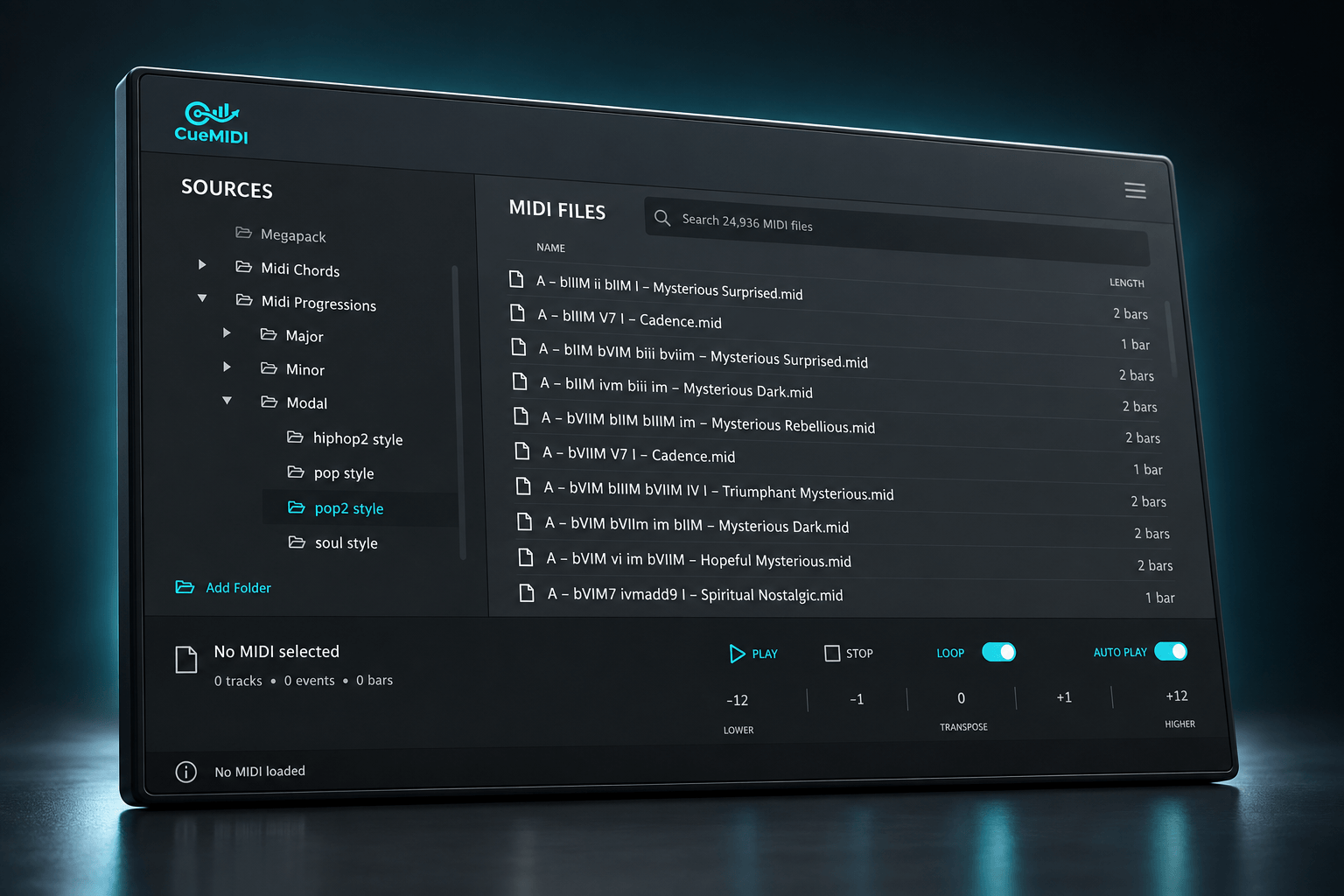
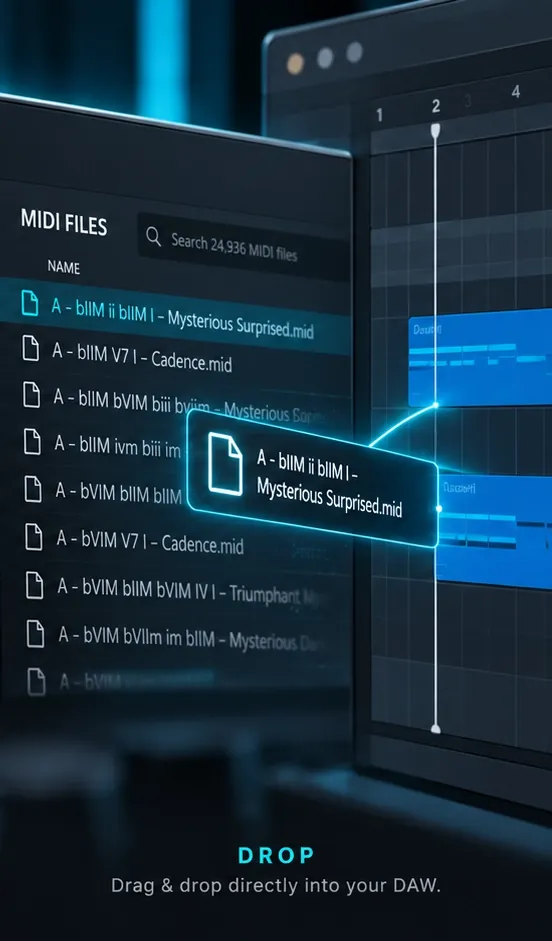
CueMIDI lets you browse your own MIDI folders, hear files through the instrument already loaded in your project, and drag the right idea straight into your DAW.
- Browse your own MIDI libraries
- Preview through your DAW instrument
- Stay in sync with your project
- Transpose before you commit
- Drag & drop directly into your DAW
BROWSE
Find the MIDI you already own.
Add the folders you already use and browse them directly inside CueMIDI. Your existing folder structure stays intact, with recursive browsing and global search making even larger libraries quick to navigate.
No importing, tagging or reorganizing required. Point CueMIDI at your folders and start browsing.
HEAR
Hear it through your actual instrument.
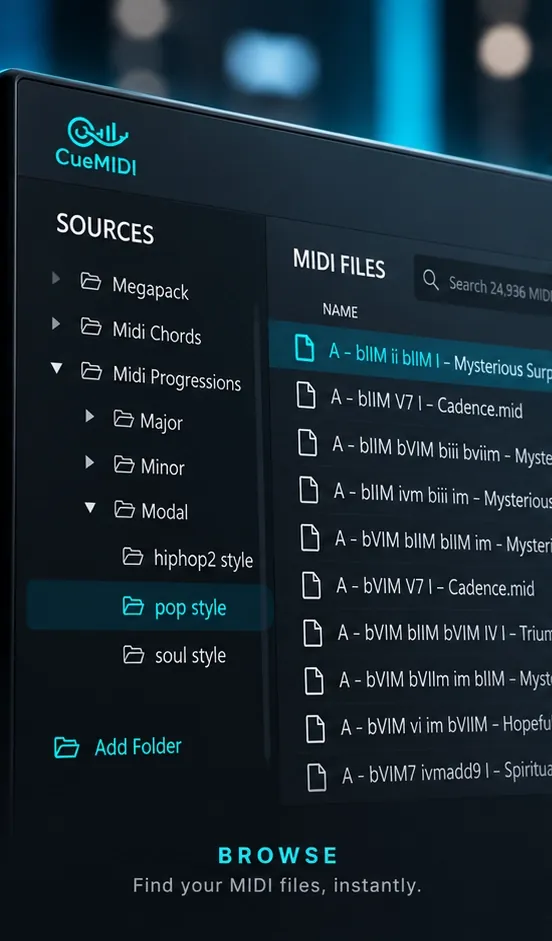
A MIDI file only becomes meaningful when you hear it with the sound you are actually working with. CueMIDI sends the preview through your DAW instrument and keeps playback in sync with your project.
Transpose the preview when needed and find out immediately whether an idea belongs in the track.
DROP
Drop it straight into your project.
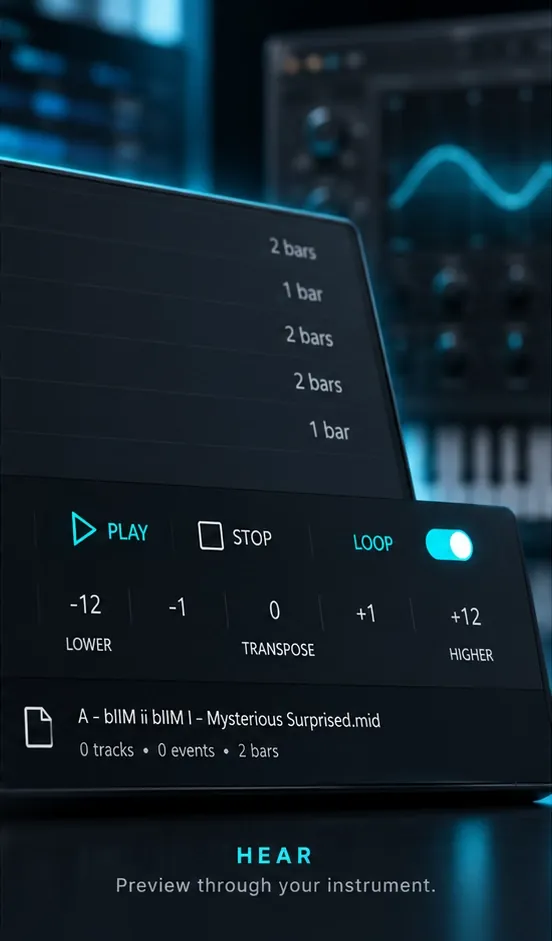
Found the right idea? Drag the MIDI directly from CueMIDI into your DAW and keep working.
CueMIDI removes embedded tempo and time-signature events during drag & drop, so imported MIDI doesn't unexpectedly change your project's tempo or meter.
FOCUSED BY DESIGN.
We chose what not to build.
CueMIDI doesn't try to reinvent MIDI.
Some DAWs already cover parts of this workflow, and there are powerful MIDI tools built for deep library management, analysis, transformation and generation.
CueMIDI takes a different approach. It was made for one very specific job: find the MIDI you already have, hear it with the sound you're actually using, and get it into your project without breaking your flow.
No database to manage. No generated content. No AI layer. No workflow to learn.
Browse. Hear. Drop.
BUILT FOR MODERN DAWS.
CueMIDI is designed to work across modern DAW workflows.
macOS
- Apple Silicon / arm64
- VST3
- AU MIDI Effect for Logic Pro
Windows
- x64
- VST3
Get CueMIDI.
19,99 €
One-time purchase. No subscription.
Or try it free first:
Try the complete CueMIDI workflow with one source folder and up to 10 MIDI files. No time limit.
FAQ
Questions, answered.
Does CueMIDI come with MIDI files?
No. CueMIDI is designed to browse and preview the MIDI libraries you already own.
Does CueMIDI generate sound?
No. CueMIDI sends MIDI through the instrument already loaded in your DAW, so you hear the file with the sound you are actually working with.
Can I use my own MIDI folders?
Yes. Add your own MIDI source folders and browse them recursively inside CueMIDI.
Will imported MIDI change my project tempo or time signature?
No. When you drag MIDI from CueMIDI into your DAW, embedded tempo and time-signature events are removed.
Which formats and platforms are supported?
macOS Apple Silicon: VST3 and AU MIDI Effect. Windows x64: VST3.
Is there a demo?
Yes. The demo lets you try the CueMIDI workflow with one source folder and up to 10 MIDI files. There is no time limit.
Does CueMIDI work with my DAW?
CueMIDI is designed for modern DAW workflows. Plugin routing differs between hosts, so the exact setup can vary depending on your DAW.
Does CueMIDI require an internet connection?
Only for the initial license activation. Once activated, CueMIDI can be used offline and does not require a continuous or recurring internet connection.
What is your refund policy?
Because CueMIDI is a digital product, refunds are generally not available once the product has been downloaded. If you experience a problem with CueMIDI, please contact support and we will do our best to help resolve it.